GitHub Pages
About GitHub Pages
GitHub Pages is a static site hosting service that takes HTML, CSS, and JavaScript files straight from a repository on GitHub, optionally runs the files through a build process, and publishes a website.
You can host your site on GitHub’s github.io domain or your own custom domain. For more information, see Using a custom domain with GitHub Pages
Creating a repository for your site
-
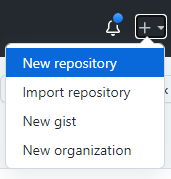
In the upper-right corner of any page, use the menu, and select New repository.
-
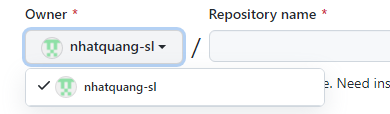
Use the Owner drop-down menu, and select the account you want to own the repository.
-
Type a name for your repository and an optional description. If you’re creating a user or organization site, your repository must be named
<user>.github.ioor<organization>.github.io. If your user or organization name contains uppercase letters, you must lowercase the letters.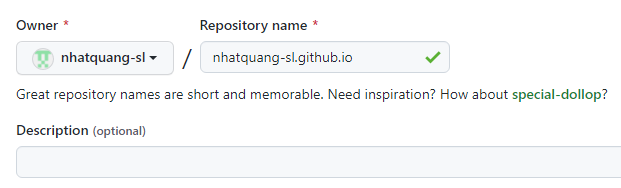
-
Choose a repository visibility.

-
Click Create repository.